Welcome to Acteril


OVERVIEWS
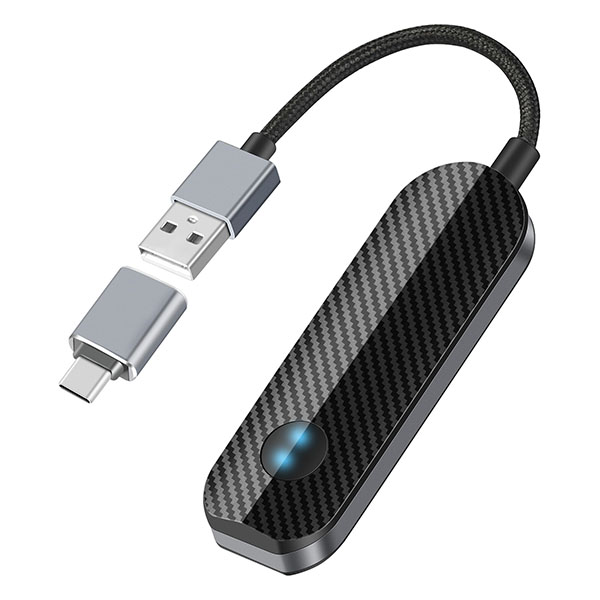
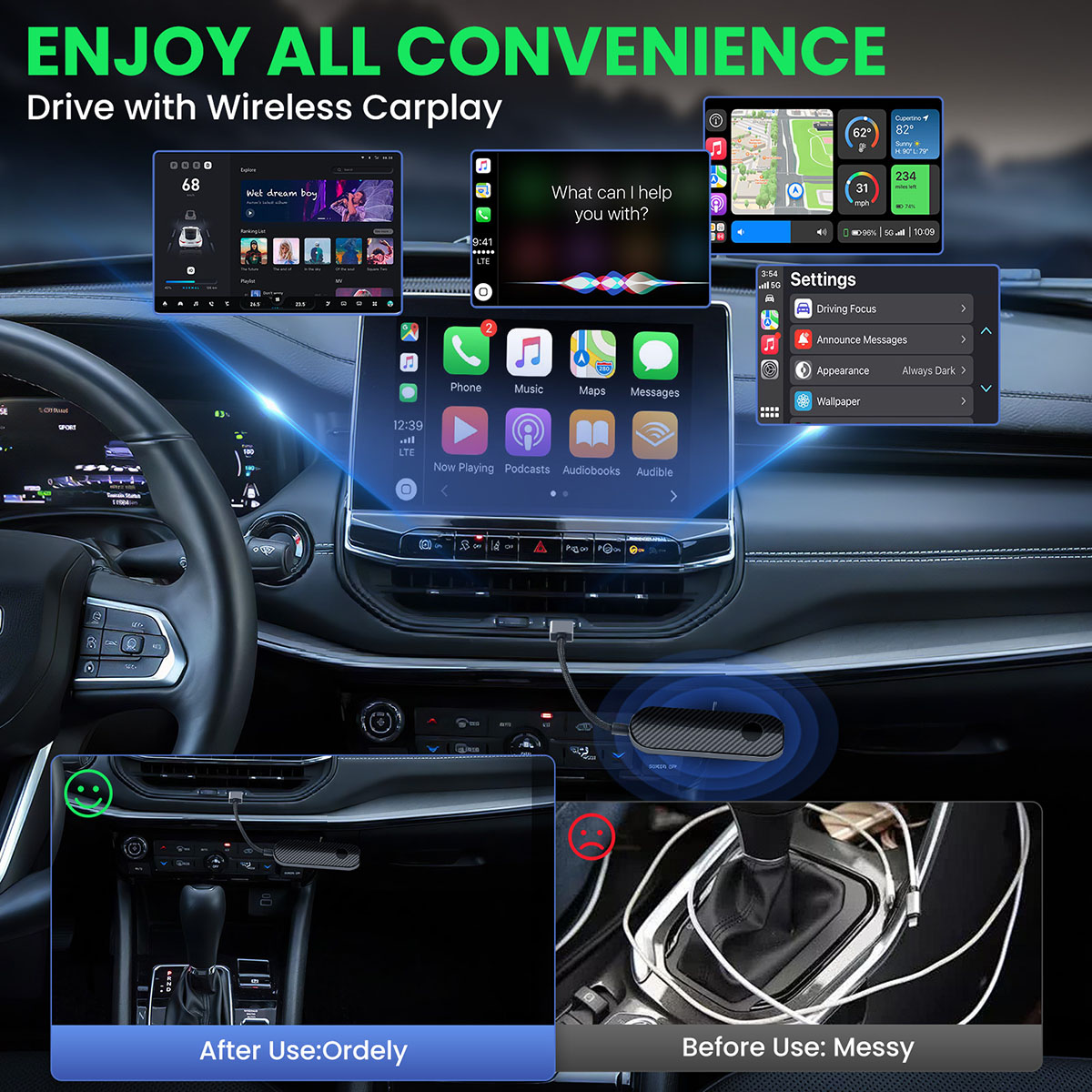
【2-in-1 Wireless CarPlay & Android Auto Adapter】Upgrade Wired to Wireless in seconds - Instantly convert factory CarPlay/Android Auto systems without cables. Enjoy navigation, Spotify/Apple Music streaming, hands-free calls, and voice commands for safer driving and a clutter-free dashboard.
Wireless Carplay
OVERVIEWS
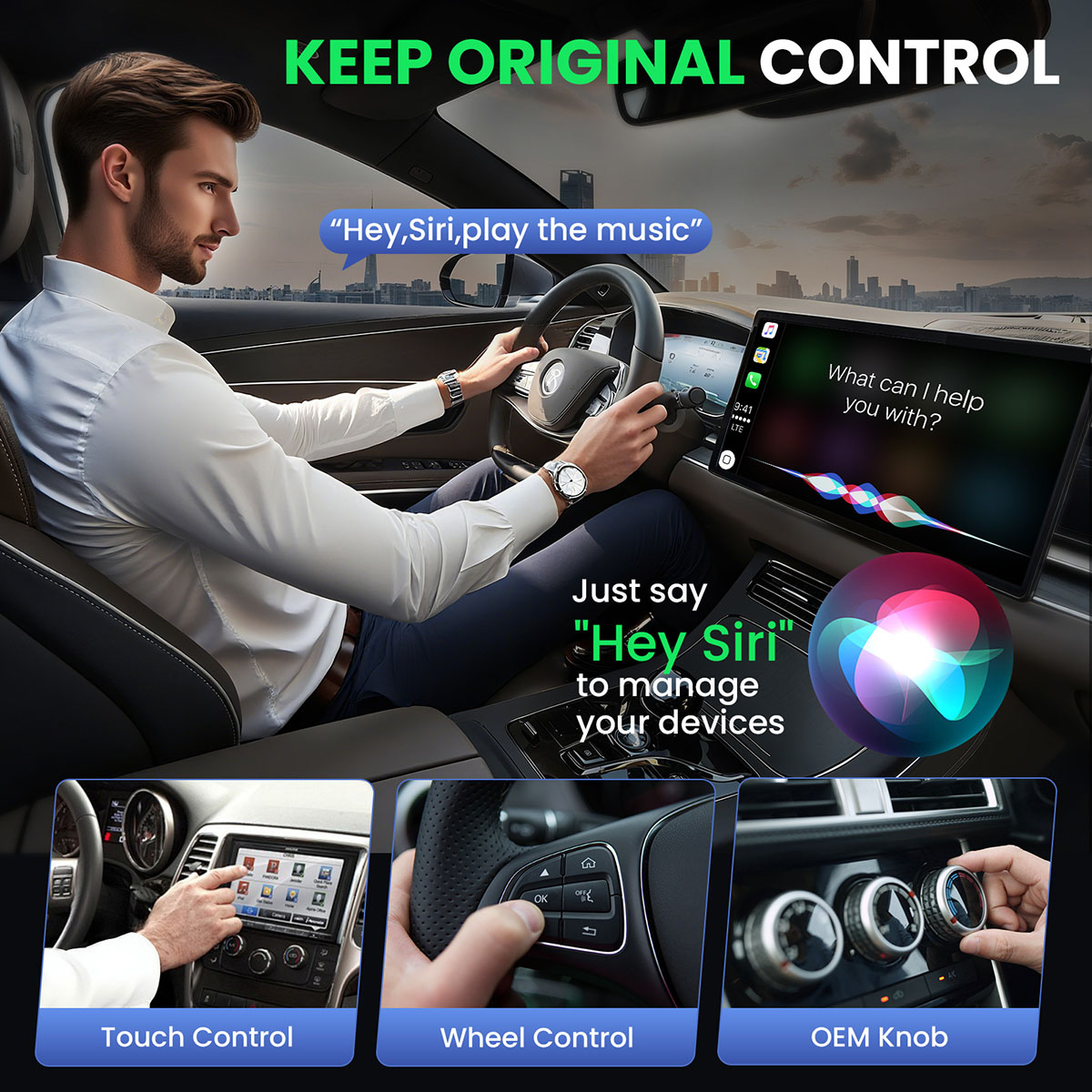
【2-in-1 Wireless CarPlay & Android Auto Adapter】Upgrade Wired to Wireless in seconds - Instantly convert factory CarPlay/Android Auto systems without cables. Enjoy navigation, Spotify/Apple Music streaming, hands-free calls, and voice commands for safer driving and a clutter-free dashboard.
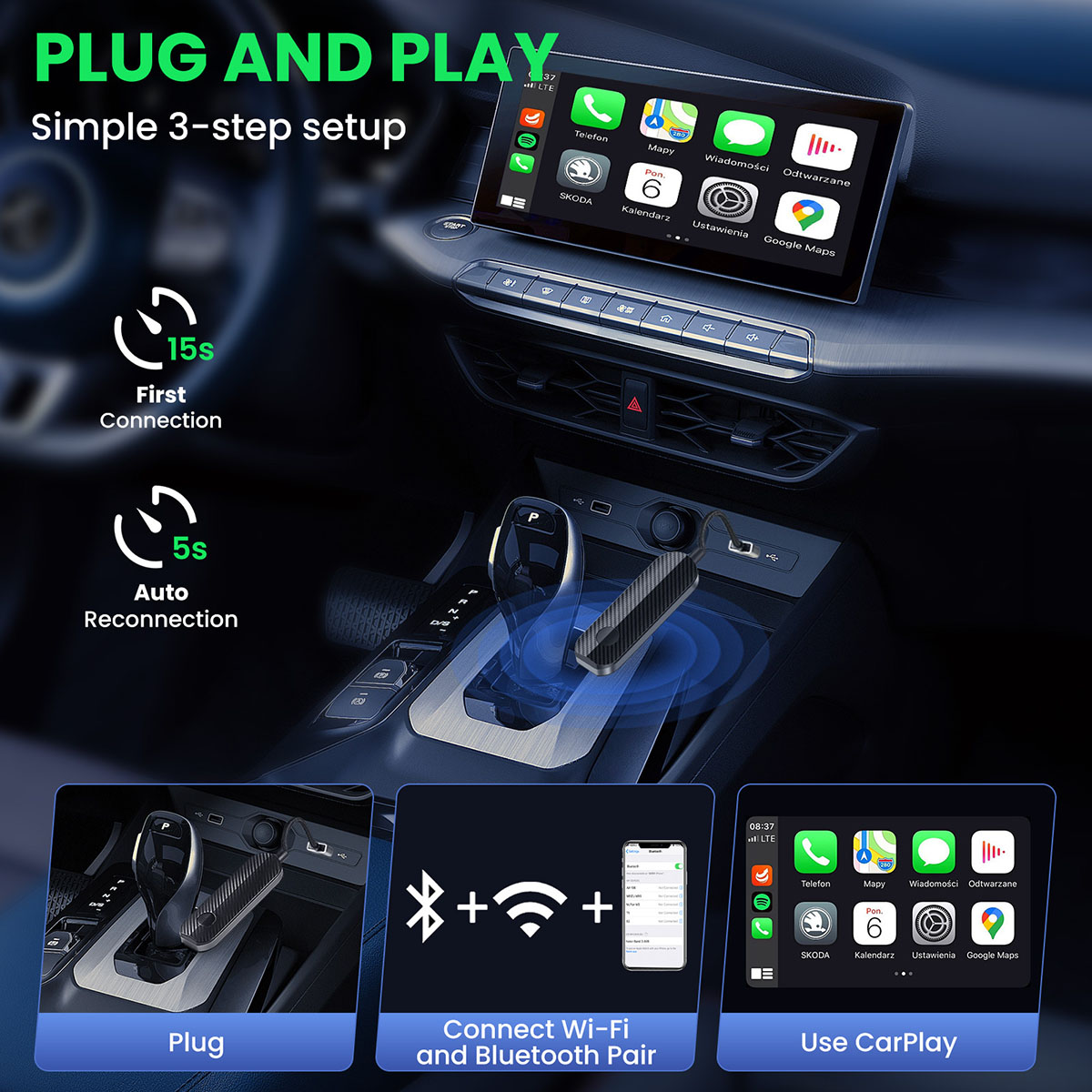
【Plug & Play】Simply plug in, pair, and drive for effortless Android Auto or CarPlay setup. No app downloads required—the adapter automatically reconnects every time you start your vehicle, delivering a seamless "set-it-and-forget-it" experience.
【Flawless Stability】 Our premium wireless CarPlay adapter eliminates dropouts and keeps you connected without distractions. Enjoy instant response & zero lag for seamless navigation, music control, and calls—so CarPlay stays ready whenever you are.
【Ultra-Compact, Zero Clutterr】Ditch messy cables and bulky devices! Our wireless CarPlay adapter features a thumb-sized design that tucks neatly into your car's USB port—no wires, no bulk, just clean aesthetics. Its minimalist profile blends seamlessly with modern interiors while maintaining a sleek, professional look.
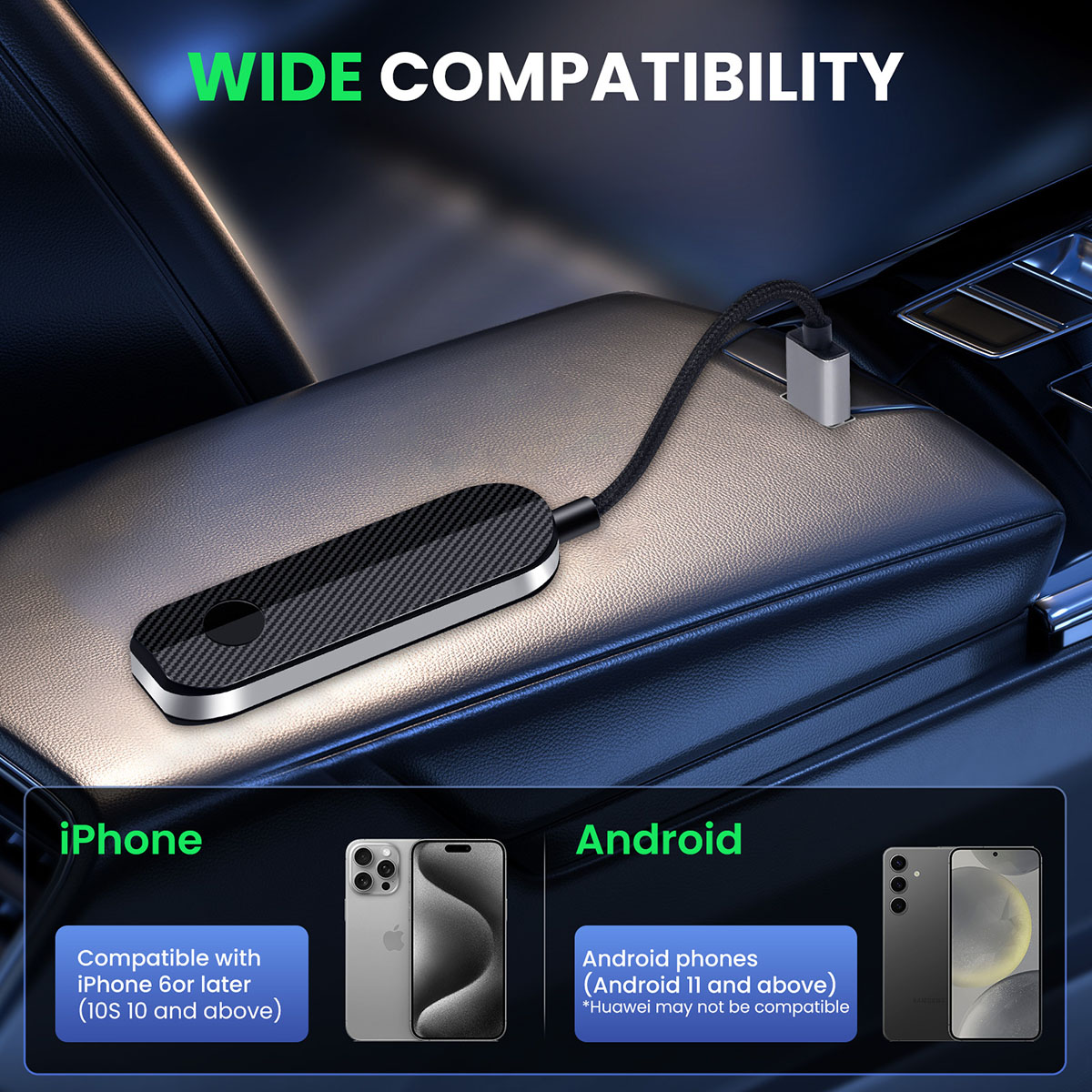
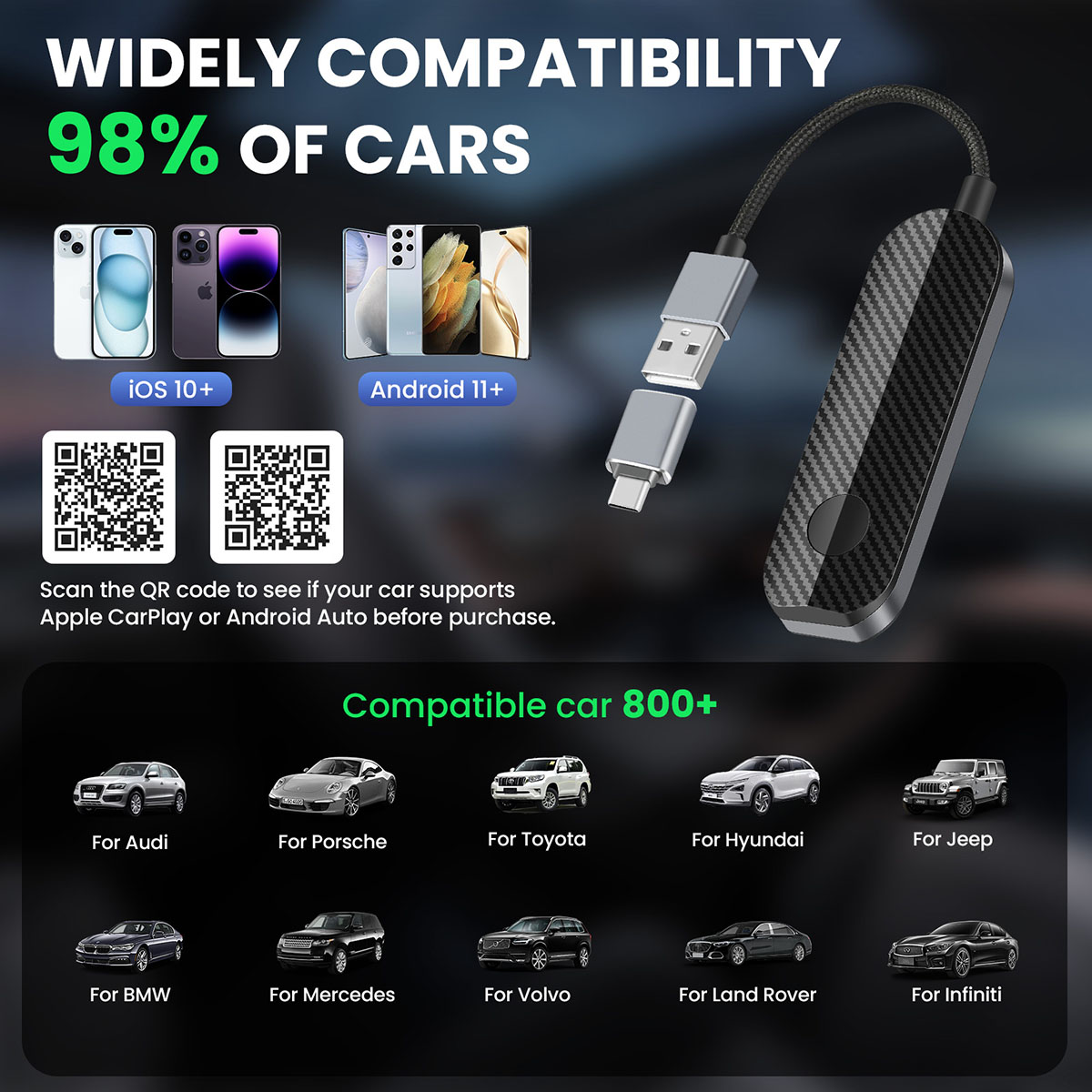
【Wide Compatibility】The wireless adapter is perfectly compatible with 98% of factory-wired CarPlay vehicles, supporting iPhones iOS 10 or later and Android 11 or later. In addition, the car wireless adapter comes with a USB-to-USB-C converter that perfectly fits both USB and USB-C car ports. Do not purchase if your car does not have CarPlay/Android auto built-in.
Care
Confirm Vehicle Compatibility First: This adapter is designed to upgrade factory-wired CarPlay/Android Auto to wireless. It will not work if your car does not already have a built-in wired CarPlay or Android Auto system. Please verify this feature in your vehicle before use.
Initial Pairing is One-Time Only: The first-time setup requires you to connect to the adapter via your phone's Bluetooth and Wi-Fi settings. After this initial pairing, the connection should be automatic every time you start your car. Do not manually disconnect the adapter from your phone's settings after the first setup.
Allow Time for Auto-Reconnection: Upon starting your car, please allow the adapter 15-30 seconds to boot up and establish a connection with your phone automatically. This is normal and does not indicate a fault.





Tel: (917) 770 1819
Email: info@Acteril.cn
Web:www.acteril.cn
Copyright © Acteril Support:Wanet
Support:wanet
Tel
Take a screenshot, and scan the QR code with WeChat
Wechat: (917) 770 1819
(Click to copy the WeChat ID and add as a friend)